

There’s a project called Lil Agents. It’s an open-source macOS app - built by Ryan Stephen - that puts tiny animated characters on your dock. Little pixel art figures that walk around, sit down, and pop open a chat window when you click them. It’s connected to AI under the hood. The whole thing is absurdly charming.
The moment I saw it, I thought: that should be Precious.
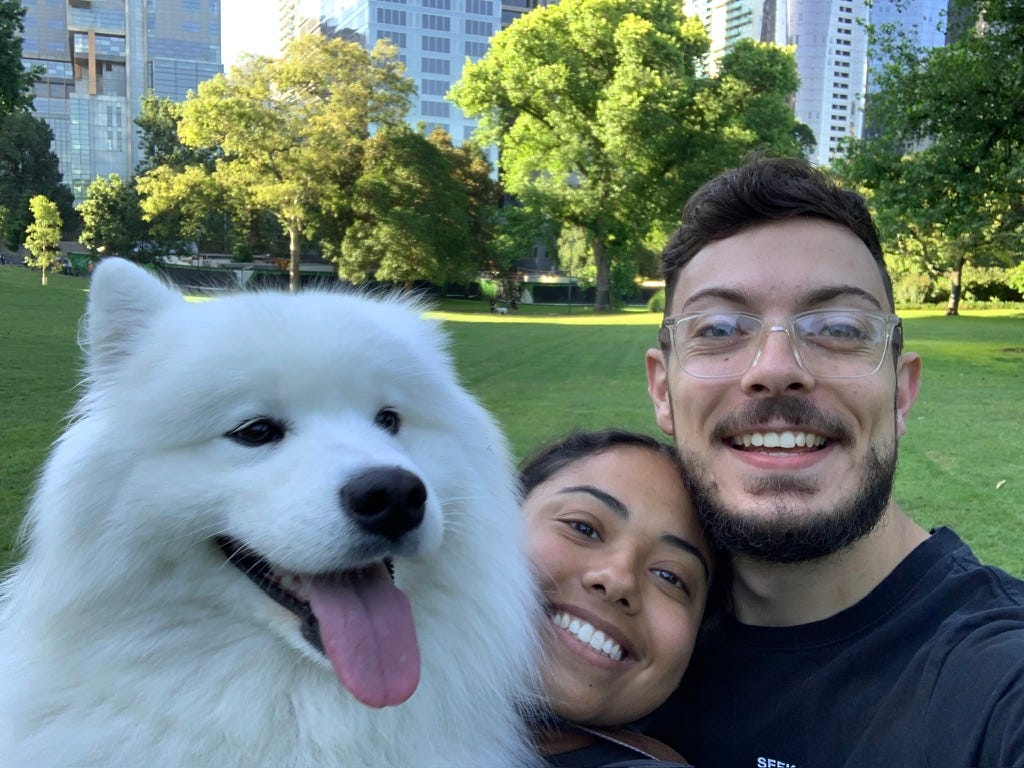
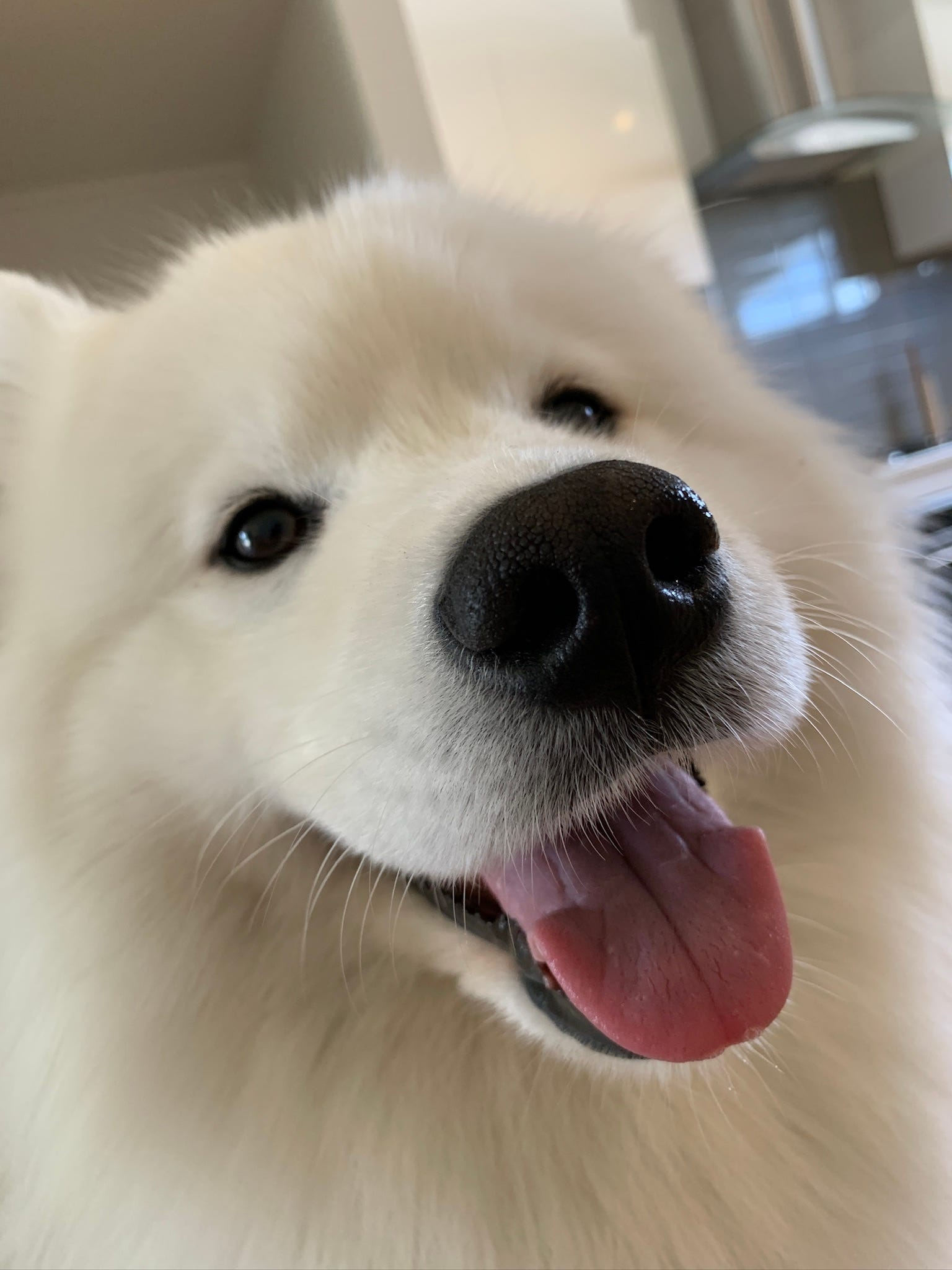
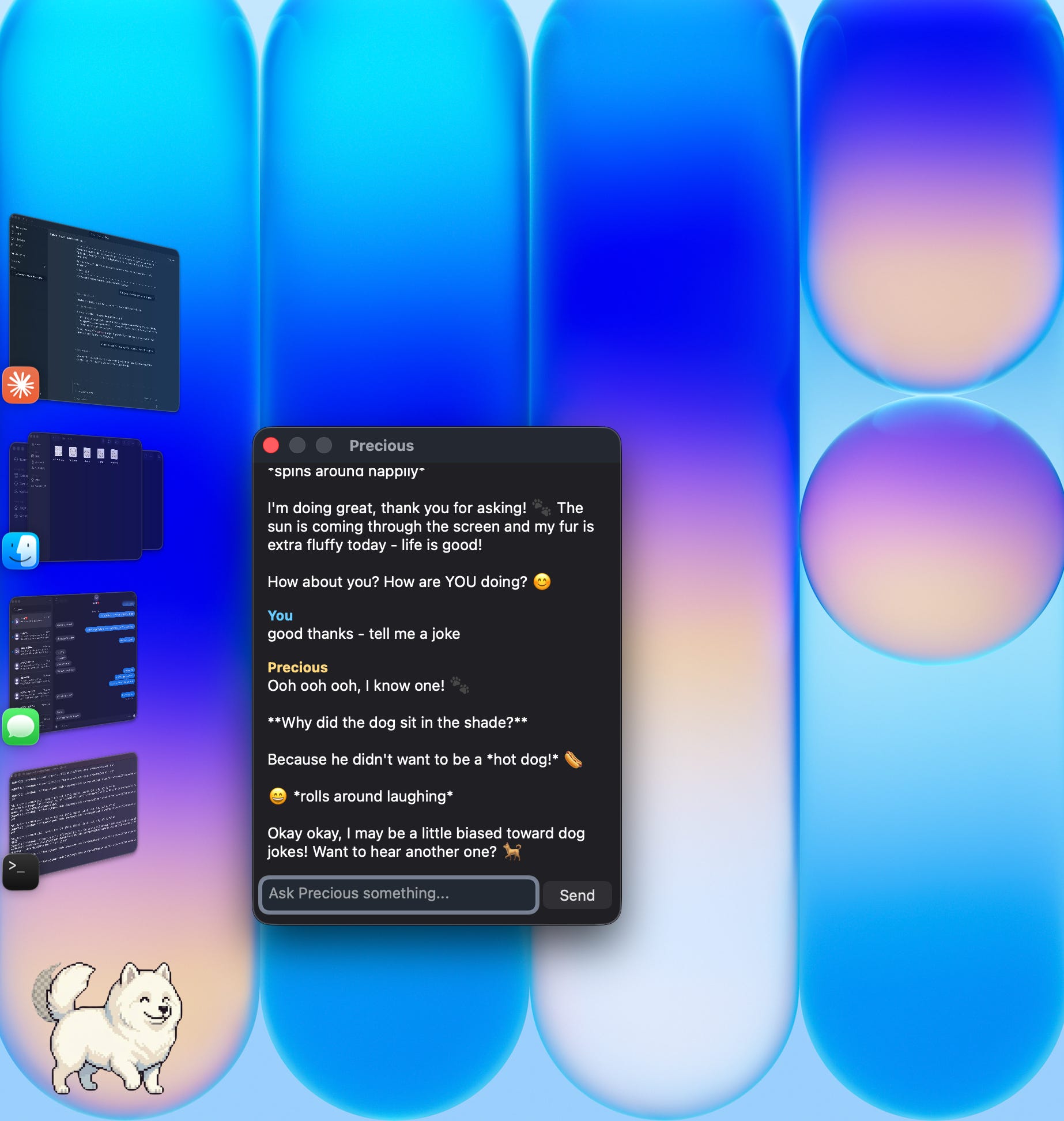
Precious is my 6-year-old Samoyed. She’s an enormous white cloud of fur who’s cute as anything, full of sass, quite clumsy, and deeply unimpressed by most things... I wanted her on my dock. I wanted to click her and chat with her. I had no idea how to build that. I did it anyway.
Here’s exactly how, so you can build yours too.
---
Step 1: Get Inspired (and Steal Shamelessly)
Go look at Lil Agents on GitHub: https://github.com/ryanstephen/lil-agents
It’s the reference for this whole project. Ryan built it with animated characters that walk along your dock and open a streaming chat window when clicked. The code handles all the hard macOS stuff - window positioning, transparent layers, dock integration. Rather than starting from scratch, I used it as the blueprint and built something inspired by the approach. Thank you Ryan!
You don’t need to fork it or understand Swift deeply. You just need to understand what it does so you can describe what you want to an AI and have it build your version.
---
Step 2: Create Your Pixel Art with Nano Banana Pro
This is where most people would get stuck. Character art is hard. Consistency across multiple poses is even harder.
I tried a few AI image tools and Nano Banana Pro was the clear winner - specifically because of character consistency. Here’s the problem with most AI image generators: generate your dog in a walking pose, then generate her sitting, and you’ll get two different dogs. Different shading, different proportions, different face. It looks terrible in a sprite animation.
Nano Banana Pro locks onto the character. Once it has Precious - her fluffy ears, her curl of a tail, her general vibe - it keeps her consistent across every frame you generate. That’s the thing that makes this actually work.
Here’s what I generated and roughly what to prompt:
Idle / Standing:
“Pixel art Samoyed dog, fluffy white fur, black outline, side view facing right, standing idle pose, transparent background, 64x64 sprite, cute chibi style”
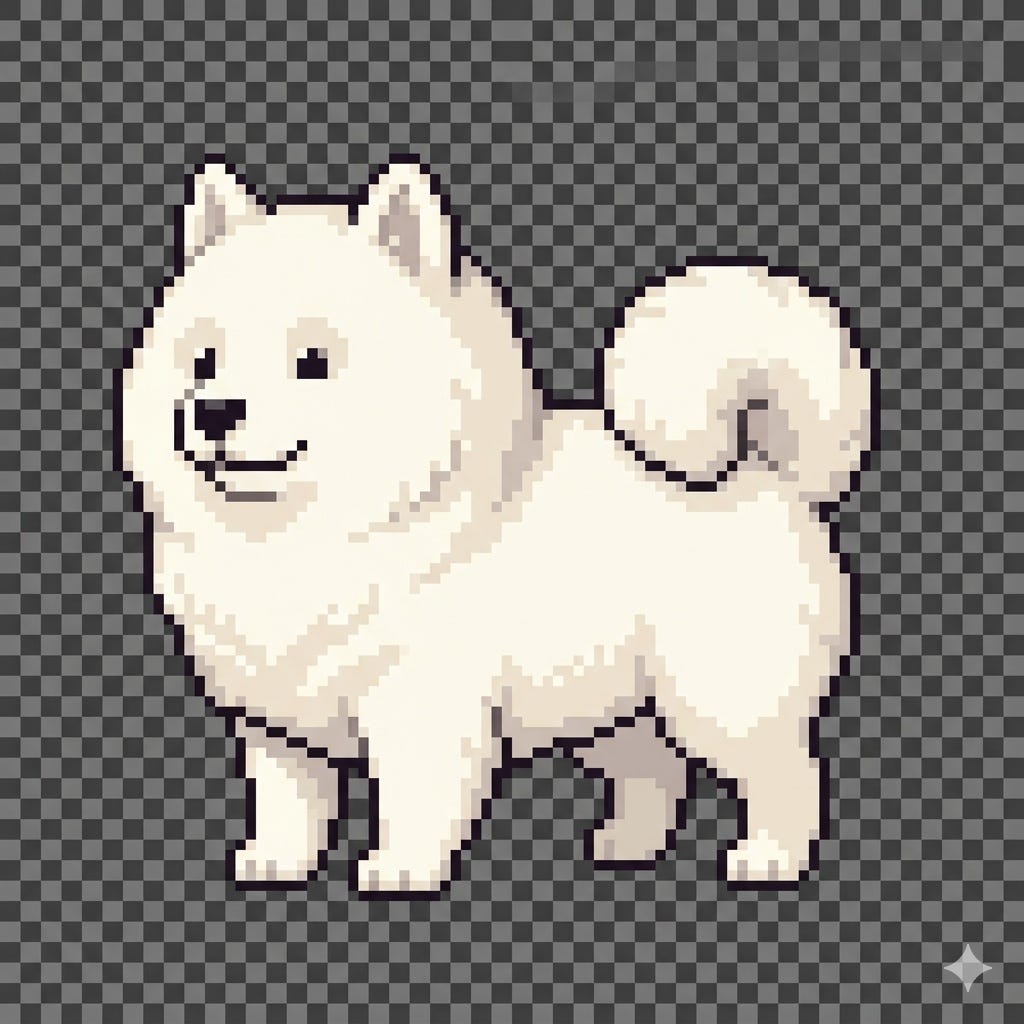
Walk Cycle (4 frames):
“Pixel art Samoyed dog sprite sheet, 4-frame walk cycle, 2x2 grid, side view facing right, fluffy white, transparent background, 64x64 per frame, same character as reference image”
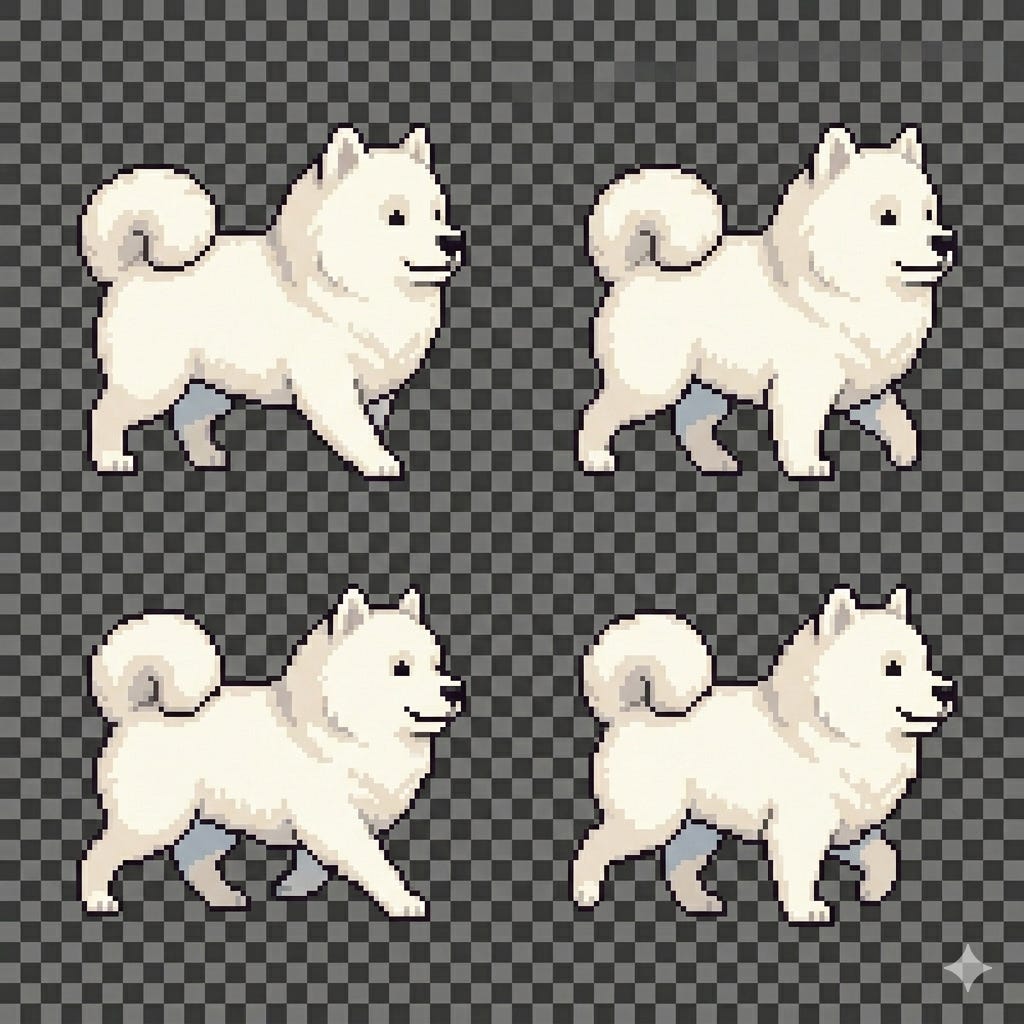
Sitting:
“Pixel art Samoyed dog sitting, same character as reference, fluffy white, side view, transparent background, 64x64”
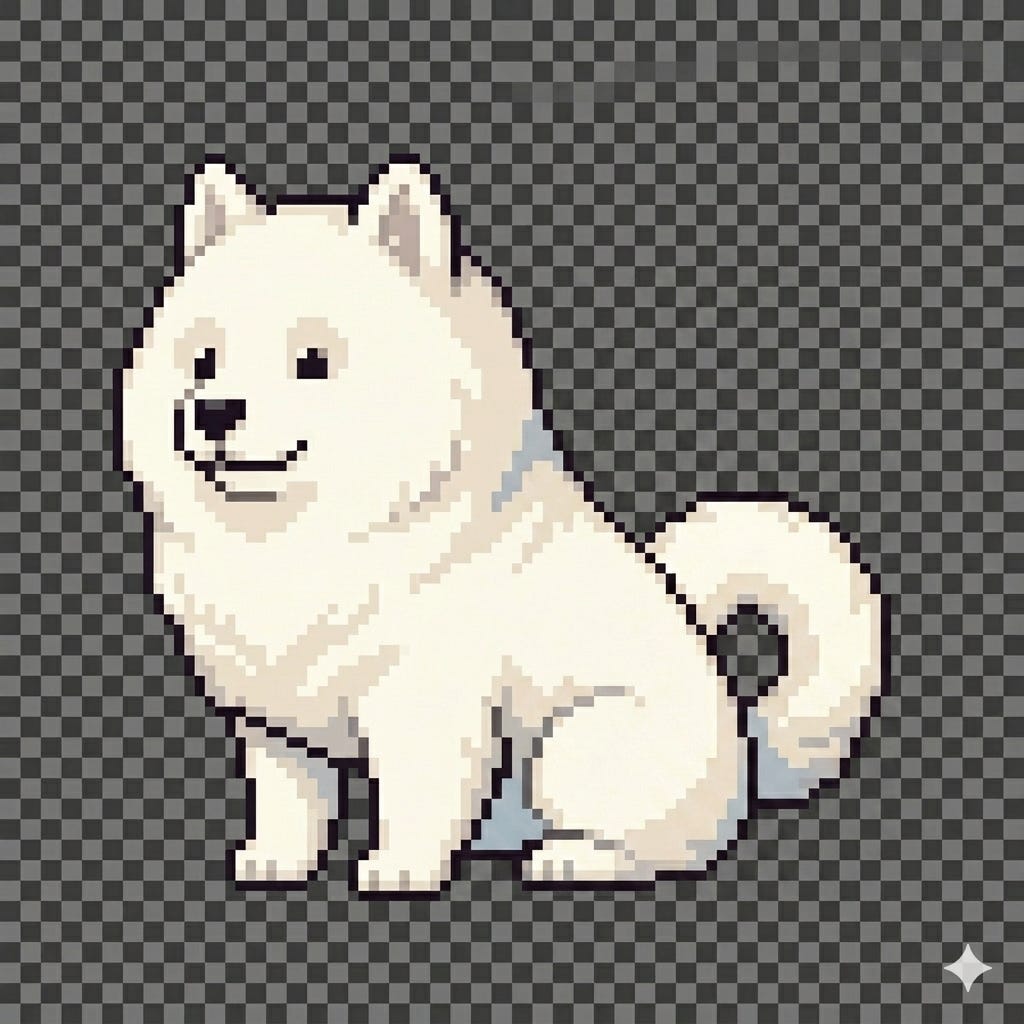
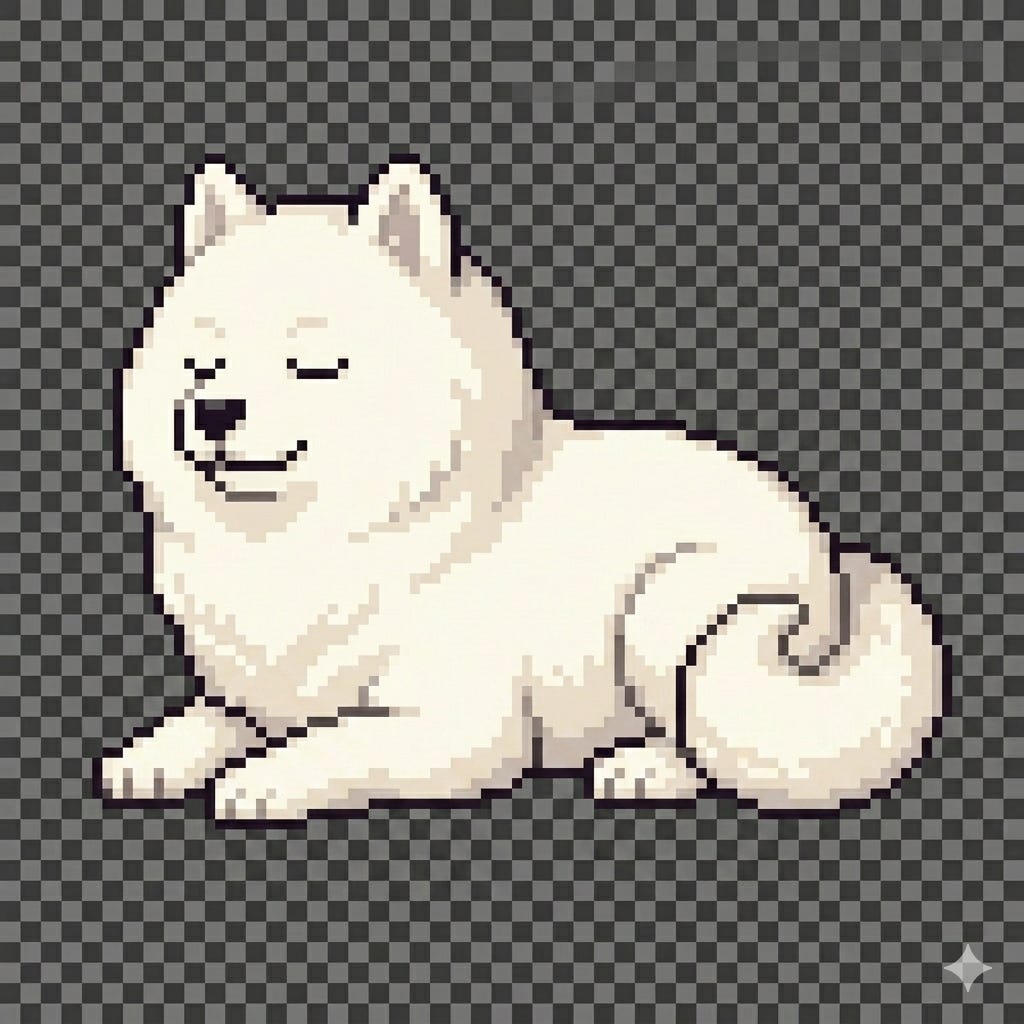
Sleeping:
“Pixel art Samoyed dog lying down, eyes closed, curled up, fluffy white, same character, transparent background”
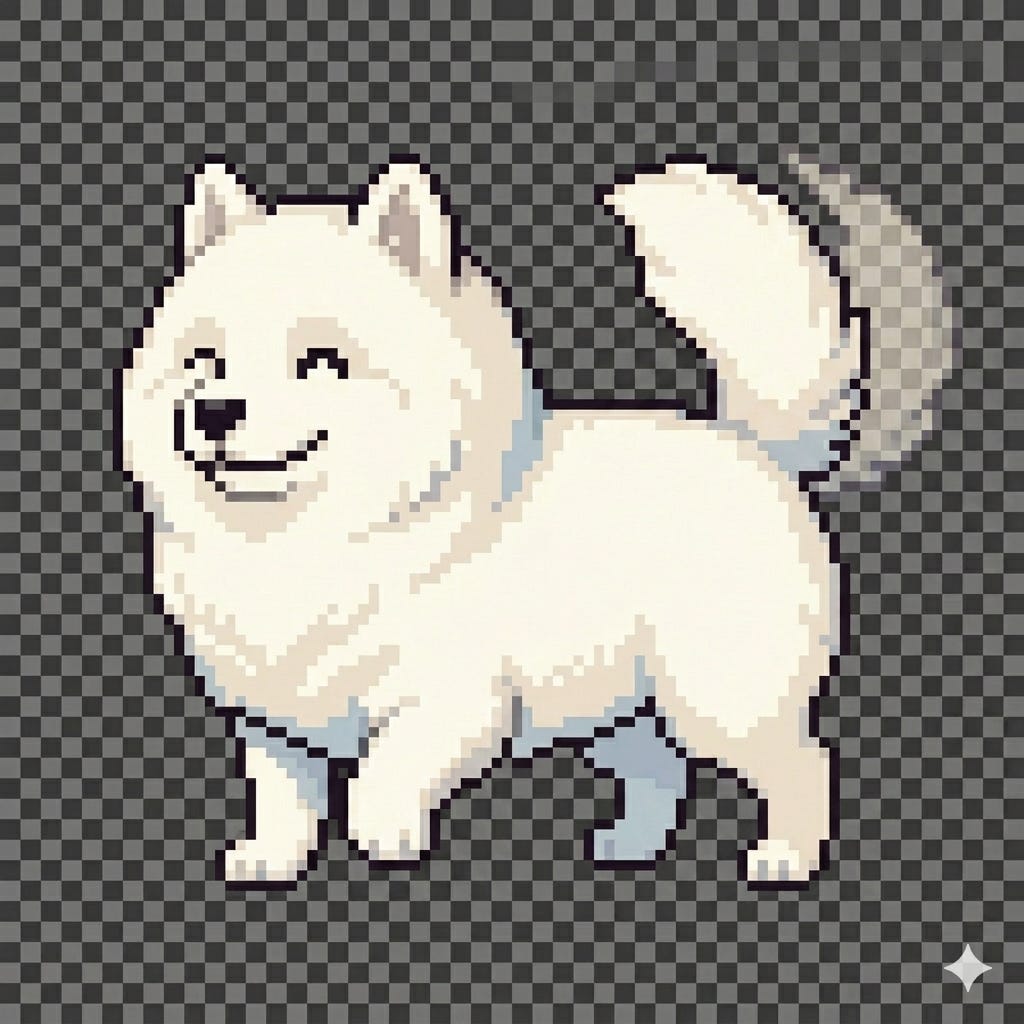
Happy (tail wagging):
“Pixel art Samoyed dog, excited expression, tail raised, same character, fluffy white, transparent background”
Generate your idle pose first. Then use it as a reference image in every subsequent generation - that’s how you get consistency. Save each one as a PNG with transparency. Name them: idle.png, walk_sheet.png, sit.png, sleep.png, happy.png.
---
Step 3: Build the App with Claude Code
Open Claude Code and paste this prompt exactly:
---
“I want to build a macOS desktop companion app in Swift using Swift Package Manager (no Xcode needed). The app should:
- Display a transparent floating window just above the dock
- Show an animated pixel art sprite of my dog that walks back and forth
- Have 5 sprite states: walking, idle, sitting, sleeping, and happy
- The walk_sheet.png is a 2x2 grid of 4 frames - split it into individual frames in code
- Behaviour based on activity: walk/idle when recently active, sit after 20 seconds idle, sleep after 60 seconds idle
- When I click the dog, open a dark-themed chat window
- While waiting for an API response, show the sitting sprite
- When a response arrives, show the happy sprite for 2 seconds
- Connect to the Anthropic API using streaming (claude-sonnet-4-6 model)
- Ask for my API key on first launch and store it in UserDefaults
- Show a small menu bar icon with options to update the API key and quit
- Images will be in the app bundle’s Resources folder
The system prompt for the AI should be: ‘You are [your dog’s name], a friendly [breed] who lives on the user’s Mac. Be warm, helpful, and playful.’
Start with Package.swift and work through each Swift file. Build a build.sh script that compiles with swift build -c release and packages the result into a .app bundle.”
---
It will ask clarifying questions. Answer them. Run the code it gives you. When something breaks, paste the error back in and say “fix this.” Iterate. This is the loop.
It took me an afternoon. Genuinely.
---
Step 4: Drop In Your Sprites and Launch
Once your app compiles and build.sh runs successfully:
1. Right-click your .app → Show Package Contents → Contents → Resources
2. Drop in your 5 PNG files with the exact names above
3. Launch the app
4. Enter your Anthropic API key when prompted (get one at console.anthropic.com)
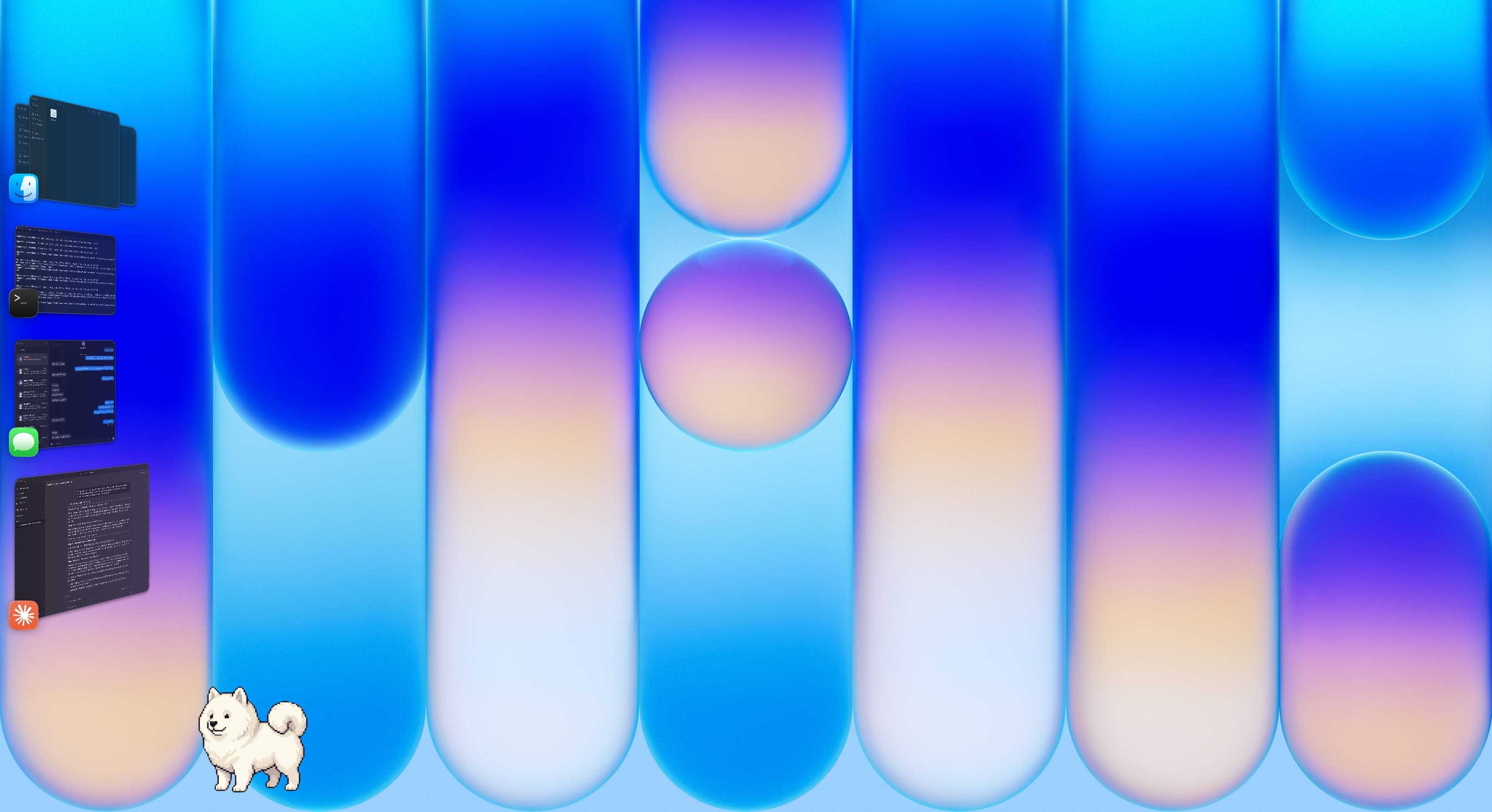
5. Your dog appears above the dock (mine is hidden)
That’s it.
---
What This Actually Shows
There’s a bigger point here that goes beyond building a desktop pet.
Six months ago this project required knowing Swift, AppKit, sprite animation, API integration, and macOS window management. It would’ve taken a developer a few days. The pixel art would’ve taken an artist.
Now it took one afternoon and two tools: Nano Banana Pro for the art, Claude Code for the build. I described what I wanted. I iterated when things broke. I made design decisions - Precious’s animations, her personality in the system prompt, what triggers each state. The creative and design judgment was mine. The execution was AI.
Precious is on my dock right now. She just sat down, which means I’ve been ignoring her for twenty seconds. She’ll go to sleep soon if I don’t click her.
I find this unreasonably delightful.
If you found this useful, share it with someone who’s been waiting until they “know enough to build something.”
Cheers, Jagger